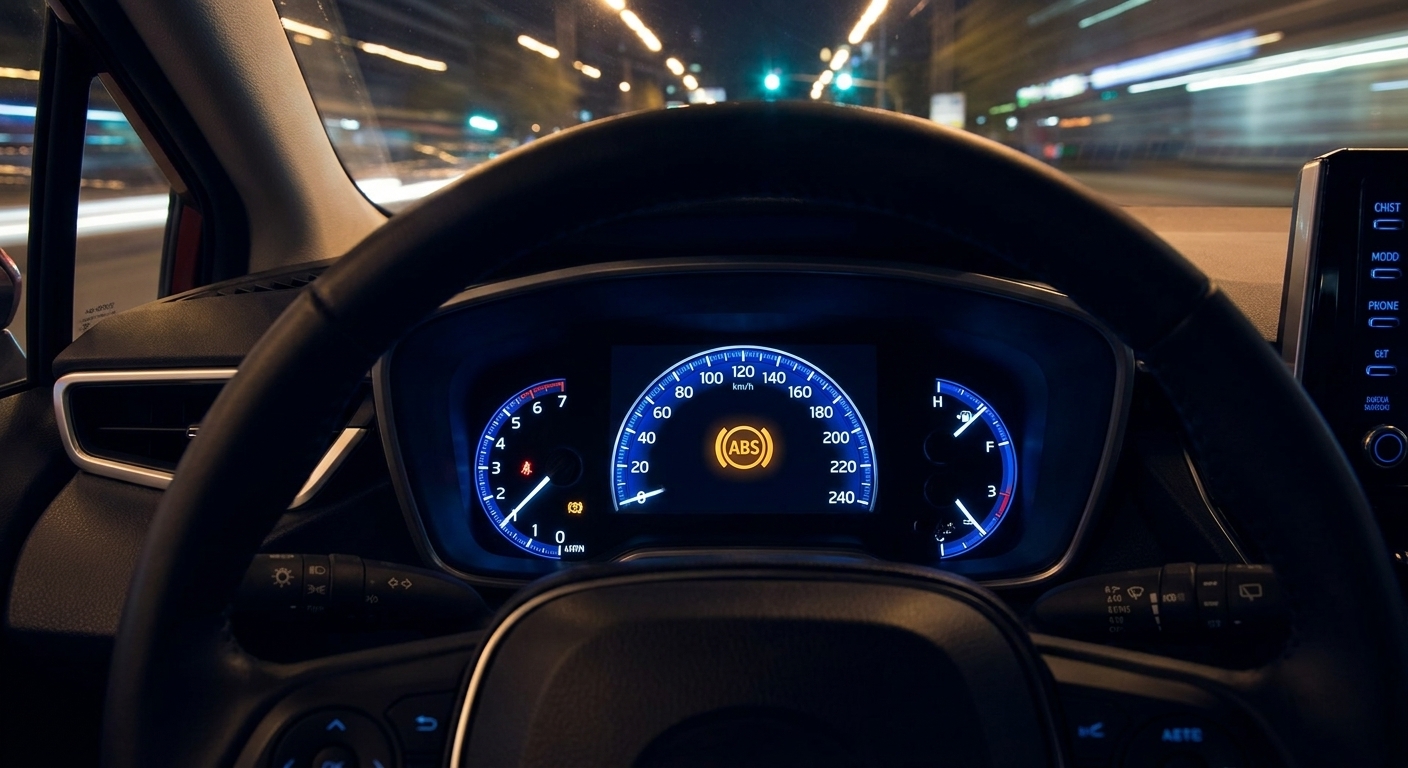
A clear, safety-first breakdown of ABS sensors, hydraulics, and traction physics, plus exactly what to do when the pedal chatters during a hard stop.
Modern cars do not just have airbags and ABS anymore. They have driver-assist features that constantly watch the road, measure distance, and make small driving decisions in real time. That whole bundle is usually called ADAS, short for Advanced Driver Assistance Systems.
As a former mechanic, I like ADAS when drivers understand what it is and what it is not. These systems can reduce fatigue, help you avoid a rear-end crash, and catch a momentary lapse. They can also get confused by weather, grime, poor lane paint, and weird traffic patterns. The key is knowing how the car “sees”, so you can predict when it will struggle.
What counts as ADAS?
ADAS is an umbrella term for systems that assist the driver with steering, braking, or accelerating based on sensor input. Some features are purely warnings. Others can take limited control for short moments.
Common ADAS features you will see on window stickers
- Automatic Emergency Braking (AEB) and Forward Collision Warning (FCW)
- Adaptive Cruise Control (ACC) and traffic jam assist
- Lane Departure Warning (LDW), Lane Keep Assist (LKA), and Lane Centering
- Blind Spot Monitoring (BSM) and rear cross-traffic alert
- Parking sensors, automated parking, and low-speed braking
- Driver attention monitoring (camera watching your eyes, steering input patterns)
- Traffic sign recognition and speed limit assist
- Adaptive headlights and automatic high beams
Brand names vary, but the building blocks are basically the same: sensors, a computer that interprets them, and an actuator that can brake, steer, or alert you.
How your car “sees”
If you take one idea away, make it this: ADAS is not one sensor. It is usually several sensors backing each other up. Each type has strengths and blind spots.
1) Cameras
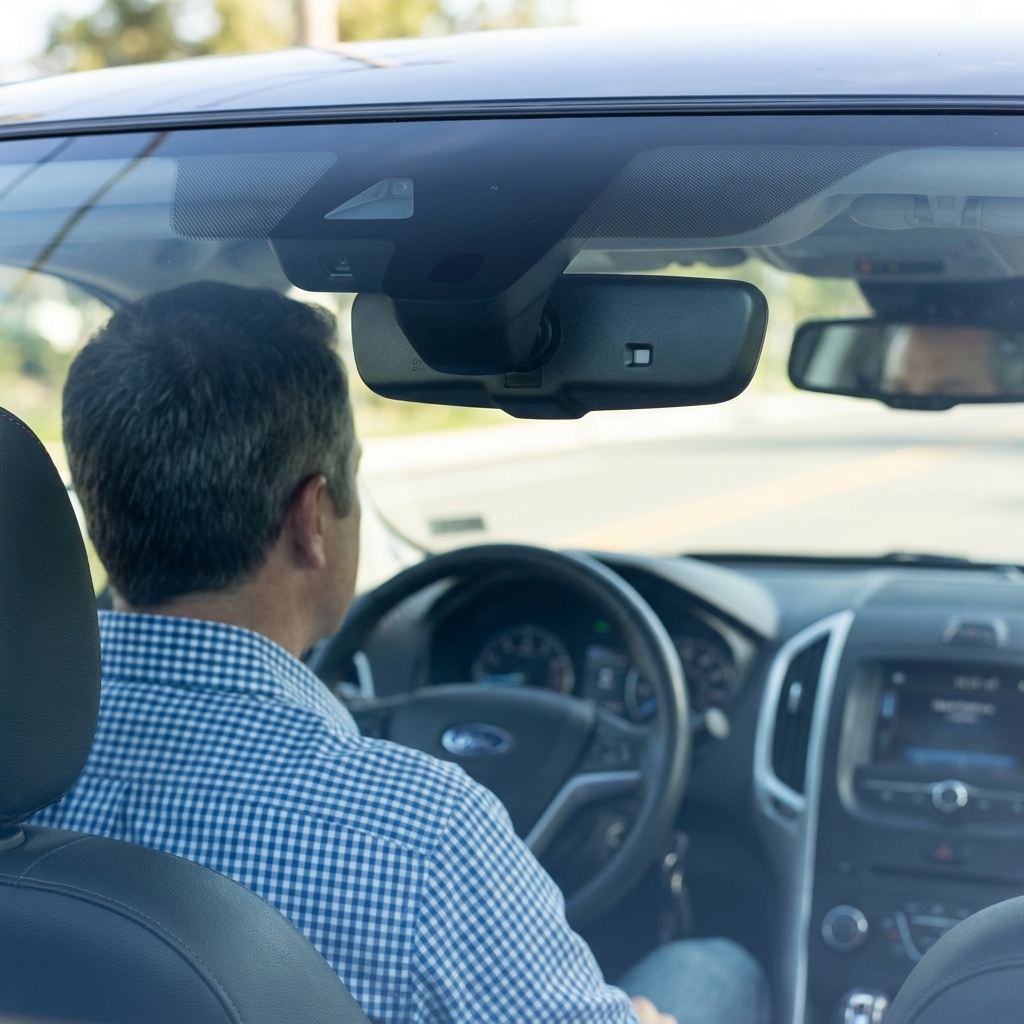
Most vehicles have at least one forward-facing camera near the rearview mirror. Higher-end setups add side cameras, rear cameras, and sometimes a front bumper camera for a 360-degree view.
- What cameras are great at: lane markings, signs, traffic lights, recognizing vehicles and pedestrians, spotting a stopped car ahead.
- What trips them up: glare, low sun, darkness, heavy rain or snow, fog, a dirty windshield in front of the camera, faded lane paint, construction zones.
Important detail: the camera does not “understand” the world like a human. It identifies patterns and edges and compares them to trained models. Weird edge cases, like a lane line covered in slush, can break that confidence fast.
2) Radar
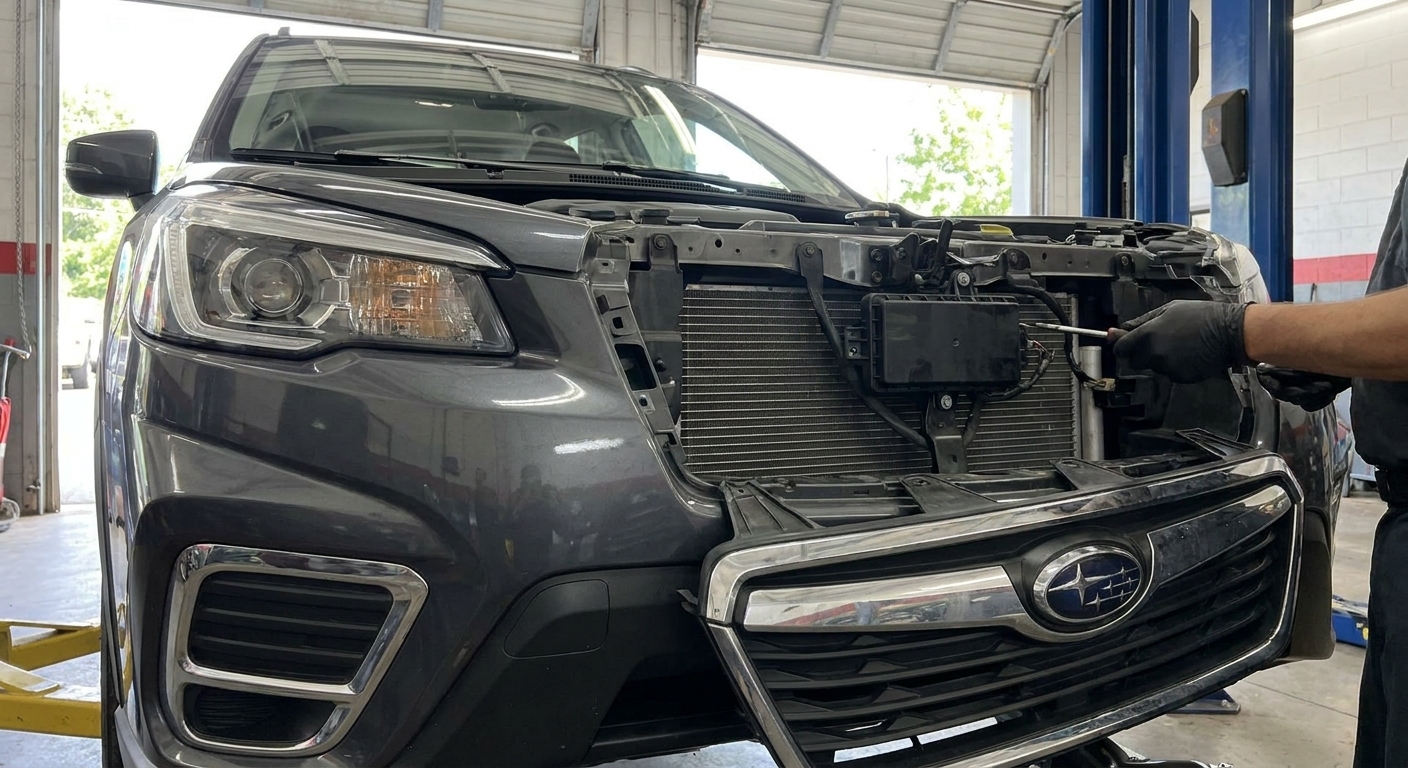
Radar is the quiet workhorse behind a lot of adaptive cruise control and automatic emergency braking. It measures distance and relative speed extremely well, even when lighting is poor.
- What radar is great at: tracking the car ahead, judging closing speed, working at night and through light rain.
- What trips it up: multipath reflections from guardrails and overhead signs, tight curves where the beam can grab the wrong target, certain stationary objects depending on how the system is tuned, heavy snow packed on the sensor area.
Some newer vehicles are moving to high-resolution radar for better object discrimination. Others rely more heavily on cameras. Either way, radar is still a big reason ACC can feel smooth in bad lighting.
3) Ultrasonic sensors
Those little round circles in your bumpers are typically ultrasonic sensors. They are excellent at low-speed object detection, especially for parking.
- What ultrasonic is great at: detecting nearby walls, poles, other bumpers at low speed.
- What trips it up: heavy rain, thick mud, certain narrow objects, and anything outside its limited range.
Ultrasonic is usually not what saves you on the highway. It is more about not tapping your garage wall or backing into a shopping cart corral post.
4) LiDAR
LiDAR uses lasers to measure distance and build a 3D map of the surroundings. It is still not common across the broader market, but it is showing up on some higher-end models and limited driver-assist packages.
- What LiDAR is great at: precise distance and shape mapping, especially for complex scenes.
- What trips it up: cost, packaging, and reduced performance in heavy weather depending on design.
5) The “hidden” sensors
ADAS also leans on sensors you never think about because they predate ADAS by decades:
- Wheel speed sensors (ABS) for stability and traction calculations
- Steering angle sensor to understand where you intend to go
- Yaw and acceleration sensors for stability control and lane-centering refinement
- Brake pressure sensors for precise braking control
In other words, ADAS is built on top of the same chassis electronics that make ABS and stability control work.
Where the sensors are
If you want to keep ADAS happy, it helps to know the usual mounting spots. Exact locations vary by make and model, but here are the common ones:
- Forward camera: behind the rearview mirror, looking through the windshield.
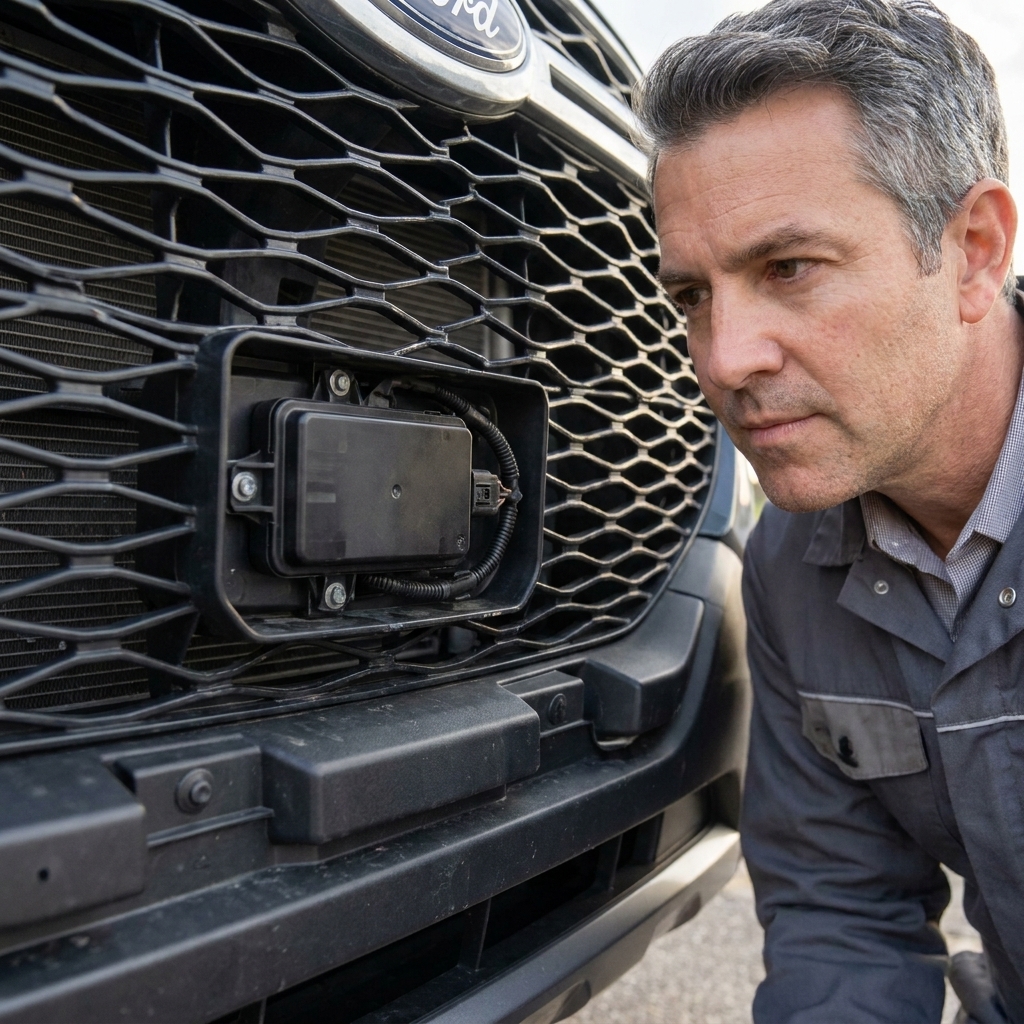
- Front radar: behind the grille, lower intake, or front emblem.
- Blind spot radar: behind the rear bumper corners or quarter panels.
- Ultrasonic parking sensors: the small round discs in the bumpers.
Feature breakdown
Adaptive Cruise Control (ACC)
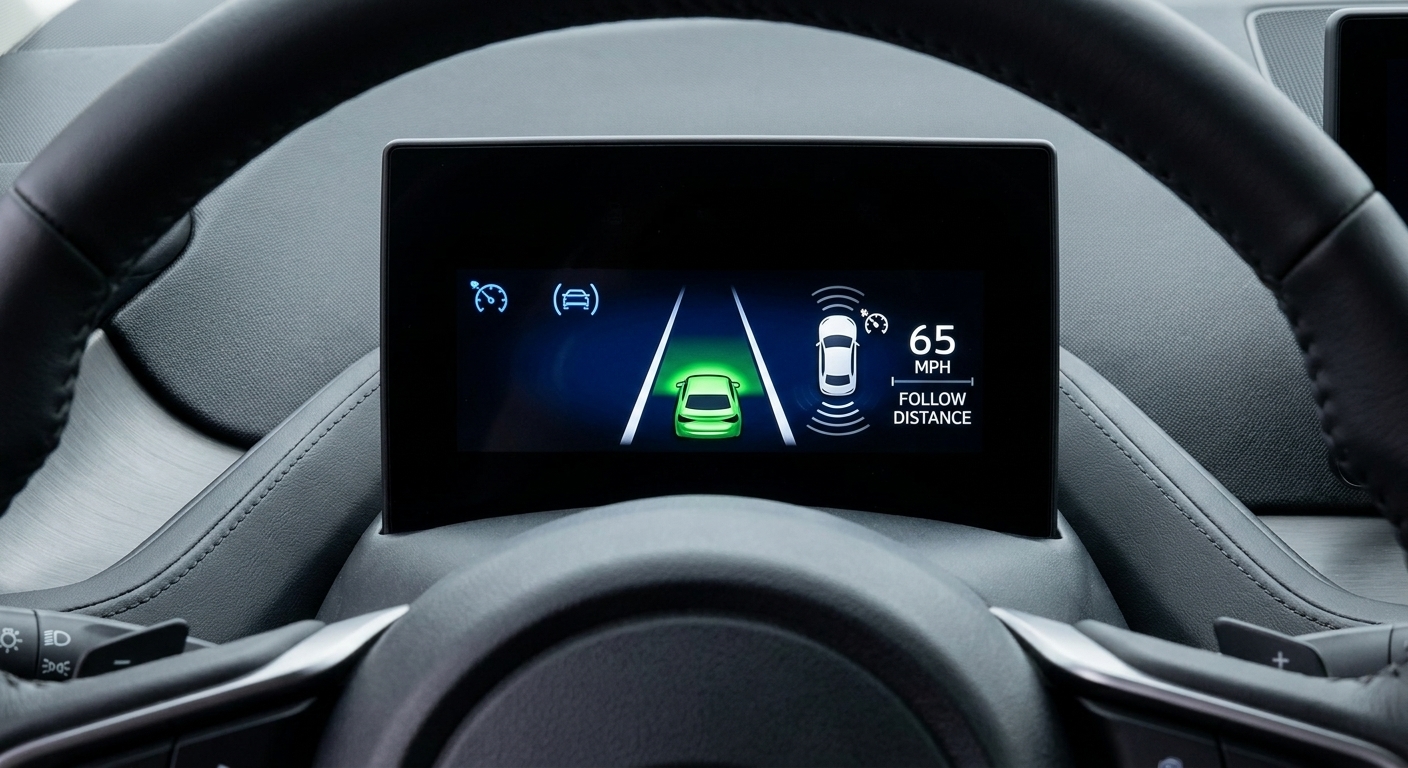
What it does: Holds a set speed like traditional cruise control, but automatically slows down and speeds up to maintain a following gap behind a vehicle ahead.
How it sees: Typically radar plus a forward camera. Radar tracks distance and closing speed. The camera helps confirm what the target is and helps with cut-ins.
When it struggles:
- Sharp curves where radar can pick up a vehicle in another lane
- Stop-and-go traffic if the system is not designed for low-speed operation
- Heavy spray, packed snow, or ice blocking the radar area
My mechanic tip: If ACC suddenly disables in winter, check for a crust of snow or ice on the front emblem or lower grille where the radar lives. Do not chip at it with something hard. Warm it and clear it gently.
Automatic Emergency Braking (AEB) and Forward Collision Warning (FCW)
What it does: Warns you if you are closing on something too quickly. If you do not brake, AEB can apply the brakes to reduce severity or avoid impact, depending on speed and conditions.
How it sees: Camera and radar working together, sometimes with additional sensors. Some systems also include pedestrian and cyclist detection, which leans heavily on the camera’s object recognition.
When it struggles:
- Low-contrast situations like a gray car in fog
- Hills and dips that hide objects until late
- Cross-traffic scenarios depending on the system
- Very dirty windshield or camera area
Reality check: AEB is not a guarantee. It is an assist. If you are tailgating, it cannot rewrite physics for you.
LDW vs LKA vs Lane Centering
These names get mixed up constantly, even by salespeople. Here is the clean breakdown:
- Lane Departure Warning (LDW): warns you if you drift over a line without signaling. Usually vibration, beep, or steering wheel shake.
- Lane Keep Assist (LKA): gently nudges the steering to keep you from crossing a line.
- Lane Centering: actively steers to keep you centered in the lane, often while cruise control is on.
How it sees: Primarily the forward camera reading lane markings and road edges. Some systems use map data or additional sensors as backup, but the camera is usually doing most of the work.
When it struggles:
- Faded lane paint, snow-covered lanes, temporary construction tape lines
- Standing water that reflects markings or headlights
- Wide lanes, narrow lanes, or roads with no clear edges
Hands-on advice: If your car starts “ping-ponging” between lane lines, do not fight it. Turn lane centering off and drive manually. That behavior usually means the system has low confidence and is hunting for lane boundaries.
Blind Spot Monitoring (BSM) and Rear Cross-Traffic Alert
What it does: Warns you when a vehicle is in your blind spot. Rear cross-traffic alert warns you when backing out of a parking space and something is approaching from the side.
How it sees: Often short-range radar sensors mounted in the rear quarter panels or bumper corners. Some vehicles use cameras for additional confirmation.
When it struggles:
- Heavy rain or slush buildup near the sensor area
- Fast-approaching vehicles at odd angles
- Very small objects like bicycles depending on design
Best practice: Use BSM as a second set of eyes, not the only set. Still do a quick shoulder check. I have seen false negatives when sensors were blocked by road grime.
Parking assist and low-speed braking
What it does: Helps you avoid bumping into objects while parking. Some systems can steer into a spot for you. Some can automatically brake if you are about to hit something at low speed.
How it sees: Ultrasonic sensors, plus cameras. The cameras help you see. The sensors measure proximity.
When it struggles:
- Thin objects like hitch receivers, chains, or narrow poles
- Uneven ground where the sensor “looks” over an object
- Snow banks that confuse distance readings
Adaptive headlights and automatic high beams
What they do: Automatic high beams switch high beams on and off to avoid blinding other drivers. Adaptive headlights can swivel or reshape the beam pattern to better light a curve or keep glare out of oncoming traffic.
How they see: Usually a forward camera watching for headlight and taillight patterns, sometimes paired with steering angle and speed inputs.
When they struggle: Heavy fog or snow, dirty windshields, and odd lighting scenarios like reflective signs, motorcycles with small light signatures, or closely spaced traffic where the system plays it conservative.
Driver habit that helps: Keep the windshield clean where the camera looks out, and remember you can always override with the stalk if the system is late to dim.
What the computer is doing
Even with all those sensors, ADAS is not magic. The vehicle’s computer is doing three big jobs, over and over, many times a second:
- Perception: Detect and classify objects and lane boundaries from raw sensor data.
- Tracking: Predict how those objects are moving relative to you.
- Decision and control: Decide whether to warn you, brake, or steer, then command actuators like the brakes and electric power steering.
This is also why calibration matters after certain repairs. If the camera is pointed a fraction of a degree off, your lane centering can feel twitchy. If the radar angle is off, ACC can track poorly.
Why ADAS gets it wrong
When customers ask me, “Why did my car slam the brakes?” or “Why did it stop recognizing lanes?” it is usually one of these:
Dirty sensors
Bug splatter on the windshield in front of the camera. Road salt crust on the radar. Mud on a rear bumper radar pod. ADAS is only as good as the glass and plastic in front of it.
Weather and visibility
Humans are surprisingly good at driving in low contrast because we use context and experience. Cameras and radar have limits, and heavy snow can defeat both.
Construction zones
Temporary lane lines, cones, shifted lanes, and unusual barriers are tough for lane systems. If you drive through construction a lot, expect more warnings and more disengagements.
Odd situations
Sharp crests, tight freeway ramps, vehicles partially in your lane, motorcycles splitting lanes, and stopped traffic right after a curve can all create late detections or false alerts.
Is it self-driving?
This is where people get tripped up. ADAS includes everything from simple warnings (Level 0) to single-function assists like lane keeping or adaptive cruise (often Level 1). Some cars also offer Level 2 driver assistance when steering support and speed control work together, typically lane centering paired with ACC.
In plain language: if your car can steer and control speed at the same time, it may feel like it is driving. In the eyes of the law and physics, it is assisting while you drive, and you are still responsible.
Also, takeovers do not look the same on every vehicle. Some systems will clearly prompt you to retake control. Others simply disengage and chime or flash an icon. Either way, the safe assumption is the same: stay engaged and keep your hands ready.
Quick legal and safety note: Terminology and capability vary by manufacturer, and some systems require hands-on steering while others use driver monitoring to allow brief hands-free operation on specific roads. Your owner’s manual is the final word for what your vehicle expects from you.
Calibration matters
This part surprises DIY folks, especially if you grew up turning wrenches on 90s cars like I did. On many vehicles, calibration is not optional if you want the safety features to behave the way the engineers intended.
When calibration is often required
- Windshield replacement on vehicles with forward camera systems
- Front-end collision repair, bumper cover replacement, grille emblem replacement
- Alignment changes on some vehicles with lane centering or camera alignment requirements
- Radar sensor replacement
- Ride height changes, including some lift kits or heavy suspension modifications
Calibration can be static (targets and precise measurements in a shop) or dynamic (a controlled drive where the system relearns). Many vehicles require one or the other, sometimes both.
Shop-smart tip: If you pay for a windshield or bumper repair, ask for the printout or invoice line showing ADAS calibration was performed when required. Not because you are being difficult, but because a mis-aimed camera can turn a safety feature into a nuisance feature.
How to use ADAS safely
- Keep sensor areas clean: Wipe the windshield area around the camera. Clear snow from the front emblem and rear bumper corners.
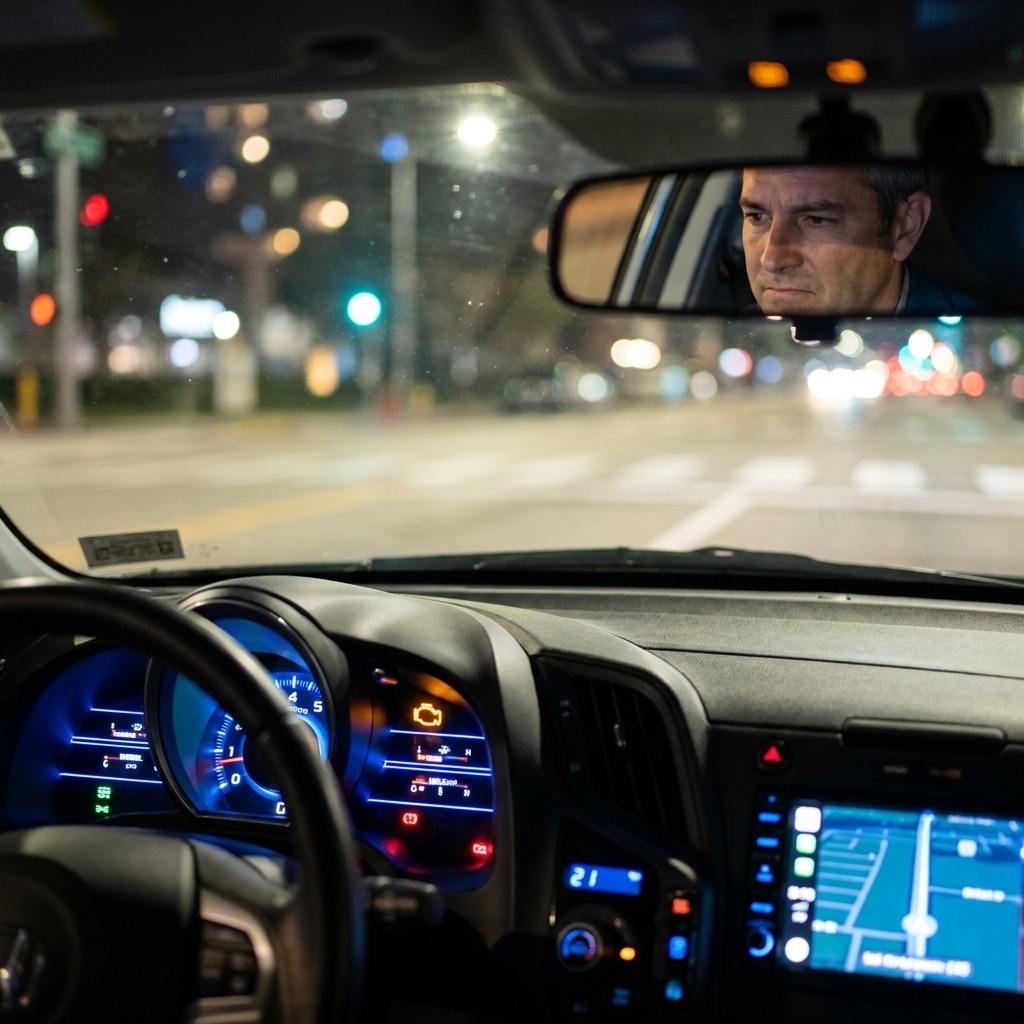
- Learn your dash icons: Most cars show a lane icon, steering wheel icon, or a car-with-gaps icon. Learn what “available,” “active,” and “fault” look like in your cluster.
- Give it margin: Set a longer following distance with ACC. Depending on the system and situation, that extra space can help smooth out reactions and reduce abrupt braking.
- Expect dropouts: If lane lines disappear, the car will often drop lane centering. That is normal. Your hands should already be ready.
- Turn it off when it acts up: If the system is behaving oddly, disable that feature for the drive. There is no prize for keeping lane centering on during a blizzard.
Quick ADAS FAQ
Why does my adaptive cruise brake when no one is in front of me?
This is often called phantom braking. Common triggers include a vehicle cutting out of your lane, radar reflections from guardrails on curves, overpasses that confuse the vision system, or a momentary misread of a shadow or road feature. If it happens repeatedly in the same spot, it is usually an environment and sensor interpretation issue, not your brakes failing.
Can I disable lane keep assist but keep adaptive cruise?
Often yes. Many vehicles let you toggle lane features separately from cruise, though the exact menu layout varies. I recommend new owners try each feature one at a time so you know what sensation is coming from what system.
Does a cracked windshield affect ADAS?
It can. If the crack is in front of the camera module, it may distort the view. Even if the camera can still “see,” the system may disable itself as a precaution. If you replace the windshield, expect calibration on vehicles with a forward camera.
Will lift kits or larger tires mess with ADAS?
They can. Changing ride height or tire diameter can affect sensor angles and the way the vehicle estimates speed and distance. Some setups stay within tolerance, others do not. If you modify suspension, budget time and money for alignment and any required calibrations.
The bottom line
ADAS is one of the biggest safety leaps I have seen in my career, right up there with stability control. But it works best when you treat it like a capable co-pilot, not an autopilot.
Learn which sensors your car uses, keep those areas clean, and understand the conditions that make the system stumble. Do that, and features like adaptive cruise, lane centering, and automatic emergency braking can make daily driving less stressful and, in the right moment, genuinely life-saving.